
If you are new to PC gaming, “FPS” is one of those terms you will hear every five minutes. Usually from a friend who just upgraded something expensive and now will not stop talking about it. Well, fair enough.
FPS means frames per second, and it is one of the biggest reasons a game feels smooth, sharp, and easy to control instead of weird, choppy, and slightly annoying. You might not always notice the exact number on a counter in the corner of the screen, but you absolutely notice the feeling. A game running at 30 FPS feels very different when it is running at 60 FPS. Jump to 120 or 144 FPS, and suddenly everything feels snappier and/or smoother. Almost like there is more to life, you know.
But frame rate is not just about making games look better. It changes how a game plays. Better FPS can make aiming easier, movement cleaner, and fast games much less of a blurry mess. In some titles, it is the difference between landing or not landing the shot.
What Are We Actually Talking About?
Let us clear this up first, because “FPS” confuses people all the time. Sometimes it means first-person shooter. Other times it means frames per second. In this case, we are talking about the second one. Not the game genre “first-person shooter.”
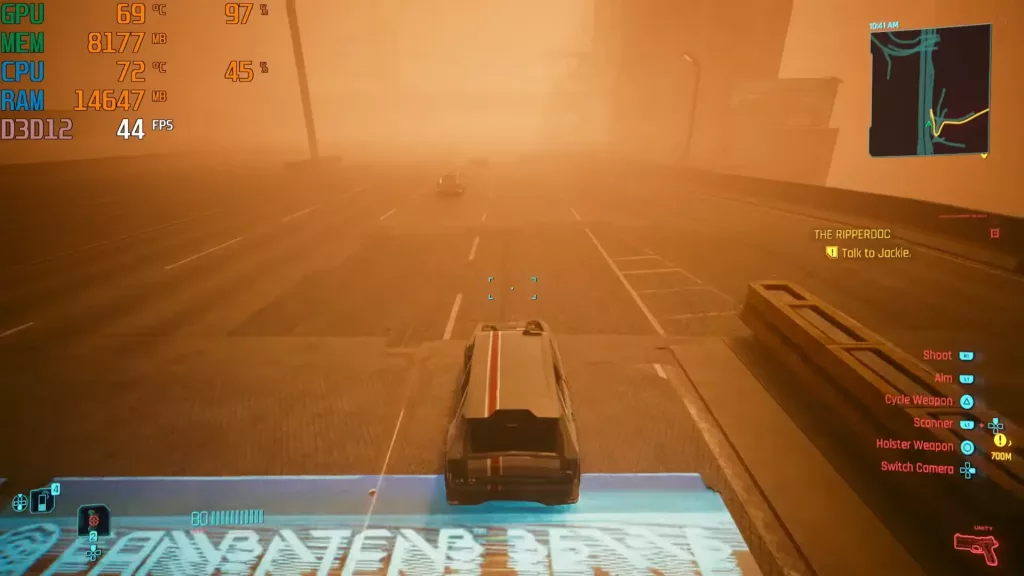
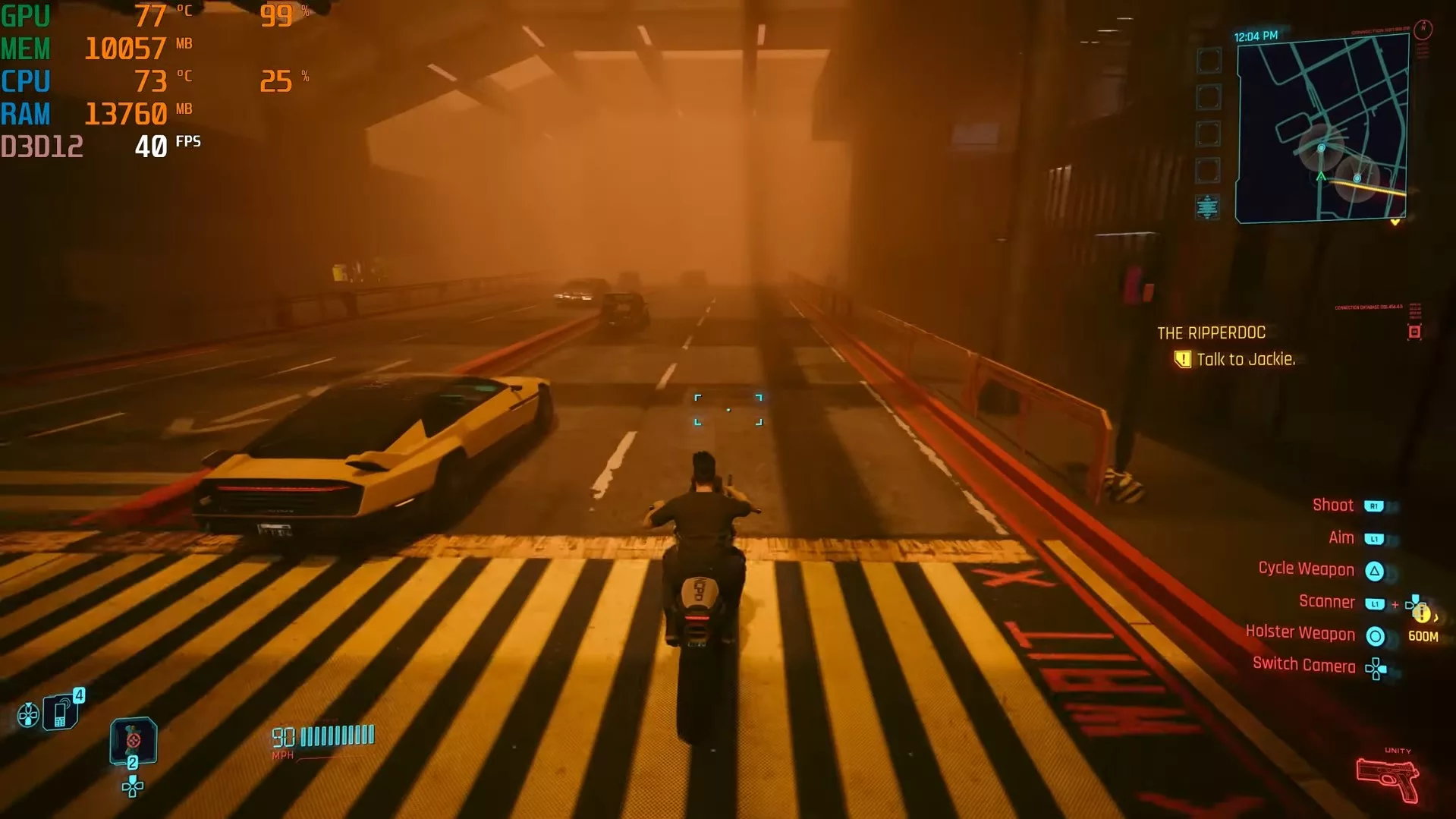
FPS is the number of images your PC spits onto the screen every second while you play. Each one of those images is called a frame. The more frames you get in one second, the smoother motion looks. Low FPS makes movement look jumpy. Higher FPS makes things look cleaner and feel more responsive.
The literal definition is simple: Frames Per Second. That is it. Your GPU’s job is to render frame after frame after frame, as fast as it can. The GPU essentially draws a new picture every split second while your CPU throws instructions at it and your game screams for explosions, shadows, reflections, smoke, and seventeen enemies on screen at once.
So when somebody says, “I am getting 120 FPS,” what they mean is their PC is drawing 120 separate images every second. That number has a huge impact on how the game feels in your hands. And yes, once you get used to higher FPS, going back can feel a little painful.
Is More FPS Always a Good Thing?
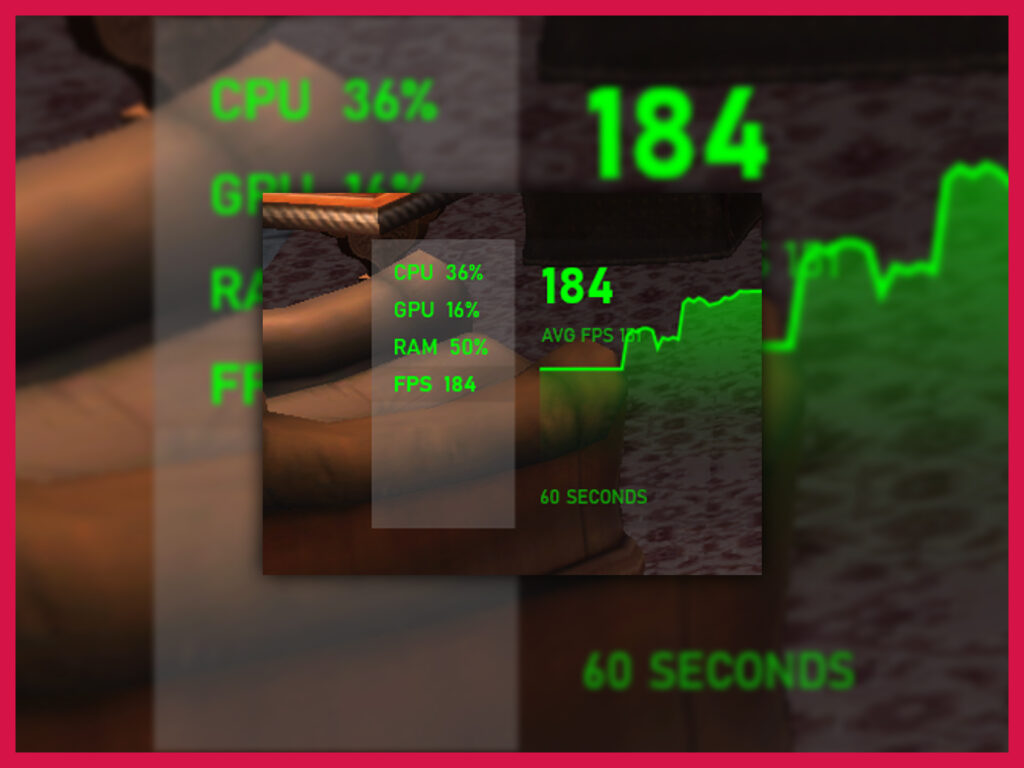
Yes, more FPS is usually better. But there is a point where chasing bigger numbers starts to feel like a hobby instead of a real upgrade.
The big myth is that you should always push for the highest frame rate possible, no matter what. That sounds nice on paper. In real life, it depends on your monitor, your hardware, and the kind of game you play.
If your monitor is 60Hz, it can only show 60 frames per second. So if your PC is pumping out 200 FPS, you are not fully seeing all of that on screen. You may still get some benefit in responsiveness, sure, but it is not the same as pairing high FPS with a high refresh rate display. That is why people buy a 144Hz monitor and then suddenly start talking like they have seen the face of God.
There is also the question of diminishing returns.
The jump from 30 to 60 FPS is massive. Anybody can feel that. The jump from 60 to 120 FPS is still very noticeable, especially in fast games. The jump from 144 to 240 FPS? That is real too, but now you are getting into the territory where the gains are smaller, your wallet is crying, and your GPU is sweating through its thermal paste.
There is only so much motion your eyes can see. Of course, it depends partly on what you are seeing. Not all games will have the same smoothness curve as you crank up the FPS.
Still, higher FPS matters because it changes how a game feels, not just how it looks. Motion is clearer. Input feels faster. Aiming feels less mushy. You get less blur when things move quickly, and enemies are easier to track. That is a huge deal in competitive games. Shooters, racing games, esports stuff in general. In those games, higher FPS is pretty important.
The “1% Lows”
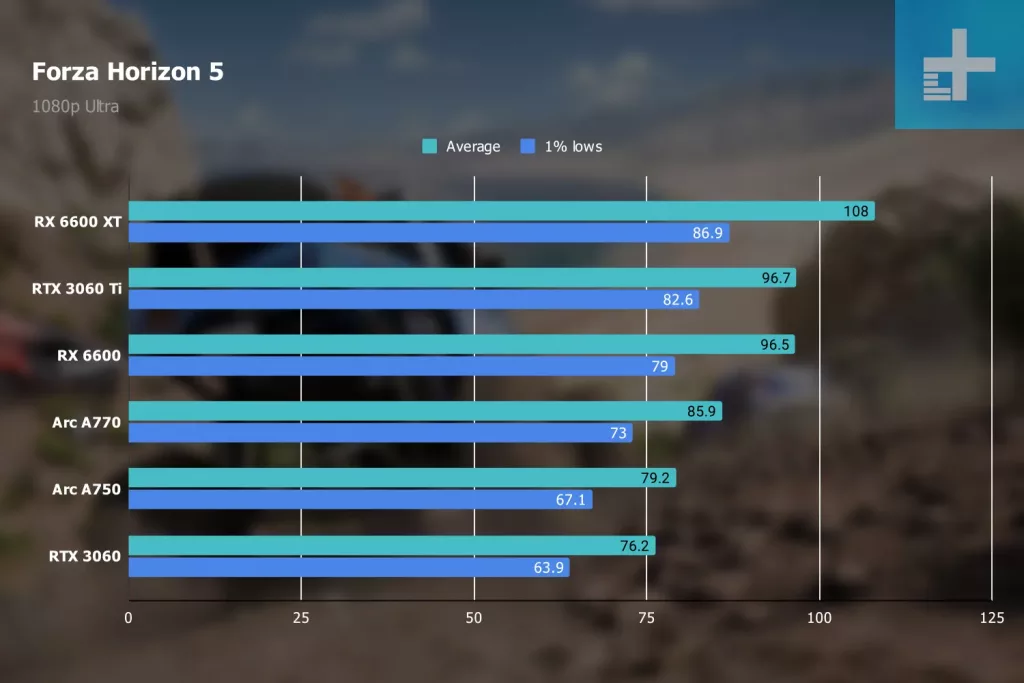
Average FPS loves to make a game look better than it really is. It is the polished sales pitch number. Nice suit. Firm handshake. Not telling you the whole story.
A game can average 144 FPS and still feel rough if it keeps dipping hard for tiny moments. Those dips are where 1% lows come in. This metric looks at the slowest one percent of frames during gameplay. It tells you how bad the bad moments are. And those bad moments are usually what your hands and eyes notice first.
That is the stutter struggle. Maybe your game runs great while you are standing still, then suddenly turns into a mess when you enter a busy area, start a fight, or whip the camera around. On paper, the average FPS still looks strong. But the actual experience feels like the game is hiccuping every few seconds. Average FPS smooths over the ugly parts and it is only the 1% lows that show the reality in these cases.
This is why consistency matters more than peak numbers. A steady 60 FPS can feel much better than a game bouncing all over the place between 100 and 45. Your brain likes rhythm. Your hands do too. If frame delivery is stable, the game feels smooth. If it is erratic, the whole thing feels off, even if the benchmark chart says you are supposedly doing great.
It is generally a good idea to check the 1% lows and average FPS counters that your GPU can push out for the games you play, if that benchmark data is available online. Most popular games are well-tested, but well, not all of us play only the popular games.
So, the average FPS is not the whole truth. You want solid averages, yes, but you also want healthy 1% lows. That is where smoothness lives.
What Does It Mean When a Game Is “Locked”?
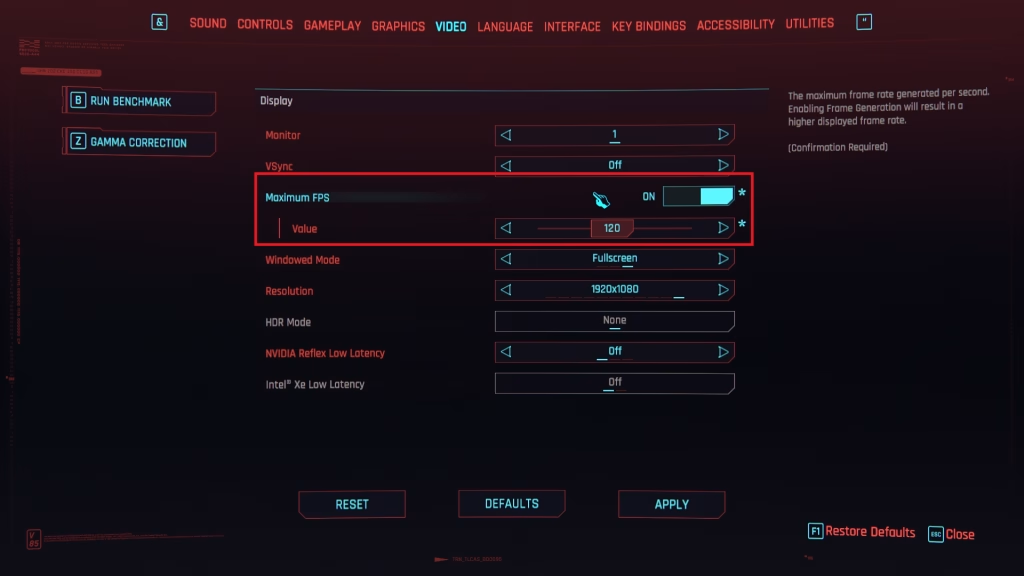
When a game is “locked” to 60 FPS, let’s say, it means the frame rate is capped at only producing 60 frames a second. The game is not allowed to go past that number, even if your PC could run faster. Your hardware might have more to give, but it is being told not to produce more frames.
You will see this a lot in console games, older PC ports, and some modern games with built-in caps. A 30 FPS lock means the game updates the image 30 times per second, typical in many PlayStation and Xbox games. A 60 FPS lock does it 60 times, a common setting for PC gamers who cannot run AAA games at super-high-FPS on their rigs.
Also, a locked game often feels very different from one that is bouncing around all over the place. Even if the locked number is lower. This is consistency again. Going to 100-110 then dipping back to 80 when the screen is cramped, and having even more extreme dips to 50-60 during overheated gaming, that is just bad. If you instead cap the game to 60 FPS, you will have a much better time.
That is to say that A frame rate lock is not automatically bad. In fact, it can be the smarter choice. Developers do it to keep performance stable, reduce wild frame swings, lower heat and power draw, and help avoid screen tearing or weird physics issues. Some games just behave better when the frame rate stays inside a nice, controlled fence. Left uncapped, they can turn into a jittery mess or make your GPU work like it is trying to launch a spaceship. And gamers, on their end, lock their games to make them feel smoother, especially if the hardware cannot render high frames.
Finding Your Own Sweet Spot
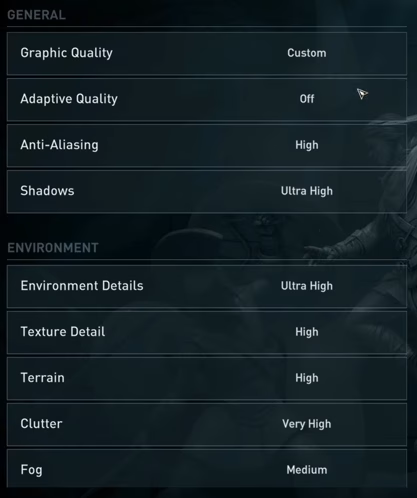
The “best” FPS is the one your PC can hold steadily on the monitor you actually own. Surely, you have heard this before. That is the sweet spot. Not the biggest number you saw in a benchmark video. Not the frame rate some guy on Reddit claims is “unplayable” below 240. Your sweet spot is where the game feels smooth, controls feel responsive, and your system is not cooking itself for a number you barely notice; all for you!
If you have a 60Hz monitor, aiming for a stable 60 FPS makes a lot of sense. If you have a 144Hz display, then 100 to 144 FPS is a great place to be, especially in shooters and other fast games. If your hardware cannot hold that in newer titles, that is fine. A locked, steady frame rate usually feels better than chasing a bigger number with constant dips and stutter. Smooth beats messy every time.
Also, be honest about what you play. Story-heavy games do not need the same kind of frame rate as CS2 or Apex. In a slower single-player game, a rock-solid 60 FPS can feel excellent. In a competitive shooter, higher FPS can absolutely help. Different games. Different needs. Same eyeballs. So, when CDPR launches Witcher 4, and someone is running it locked at 60 FPS, there is nothing wrong with that. Cyberpunk 2’s multiplayer mode? Might become uncomfortable if you test at 60 FPS and 120 FPS, both, as you realize just how better the 120 images per second feel.
The goal here is to make your games feel good on your setup. Find the number your system can handle consistently, pair it with the right settings, and stop stressing over every extra frame.