
FPS talk never dies. It just gets a new graphics card and comes back louder.
In 2026, we have games that look absurdly good. Ray tracing. Path tracing. Fake lighting so real it makes your living room look underfunded.
We also have monitors with refresh rates that sound made up. And yet here we are, still asking the same question: how many frames per second do you actually need for a good time?
That question matters because “best” depends on what kind of gamer you are. A sweaty ranked player does not want the same thing as somebody wandering through a giant RPG admiring puddles and forests. One person wants instant response. Another wants pretty visuals and a stable experience. Both are right. Both will also fight about it online for three hours.
Let’s not pretend there is one magic number for everyone. There isn’t. The best FPS for gaming in 2026 depends on the game, your hardware, your display, and honestly, how picky your eyes have become after tasting higher frame rates. Once you get used to smooth gameplay, going back can feel terrible.
The Frame Rate Reality Check

Gaming has changed a lot. The screens are sharper. The GPUs are stronger. Settings menus now look like airplane cockpits. You can run some games at absurd resolutions and stare at individual beard hairs like they are a technical achievement. It is impressive. A little ridiculous, too.
But more does not always mean better.
That is the trap. People see 8K, ultra settings, cinematic effects, and assume that must be the best way to play. Sometimes it is. But mostly it just means your game looks amazing in screenshots and feels weird when you move the camera.
Great visuals are nice. No argument there. But if the motion feels choppy, your brain notices right away. You do not need a graph for that. You feel it in the first ten seconds.
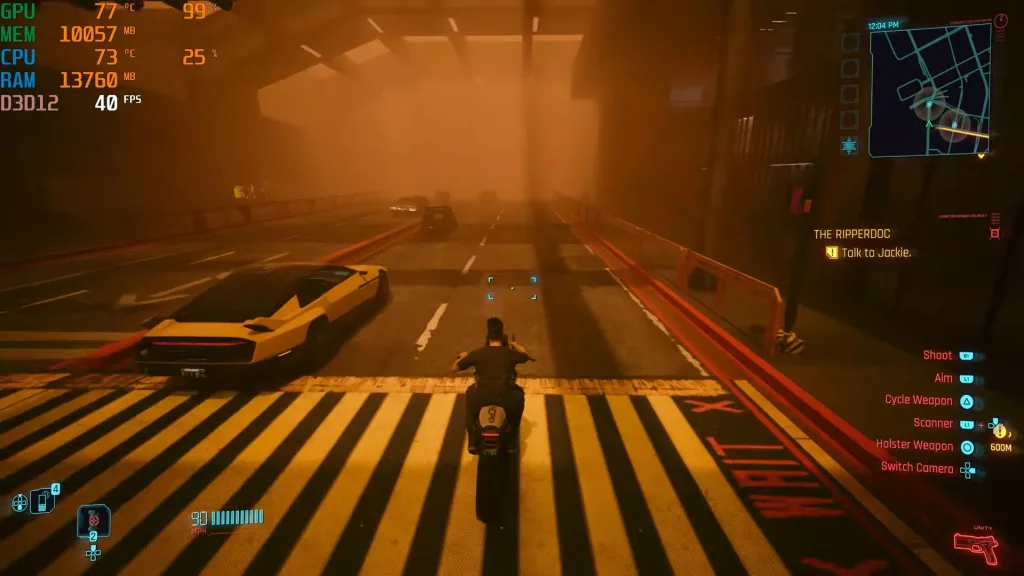
FPS changes the feel of the game more than many people expect. Smooth gameplay is not just about numbers on a counter in the corner. It is about how the camera glides, how aiming feels, how quickly your input shows up on screen, and how natural movement looks when things get busy. It is about those 1% lows and consistency more than the average FPS number you are used to seeing.
And yes, “smoothness” is kind of a vibe.
You know it when you feel it. A game at a stable higher frame rate feels light on its feet. Snappy. Easy. You stop thinking about performance and just play. A lower frame rate can feel sticky, delayed, or weirdly heavy, even if the game still looks good standing still.
Is 20 or 30 FPS Actually Playable, or Just a Headache?
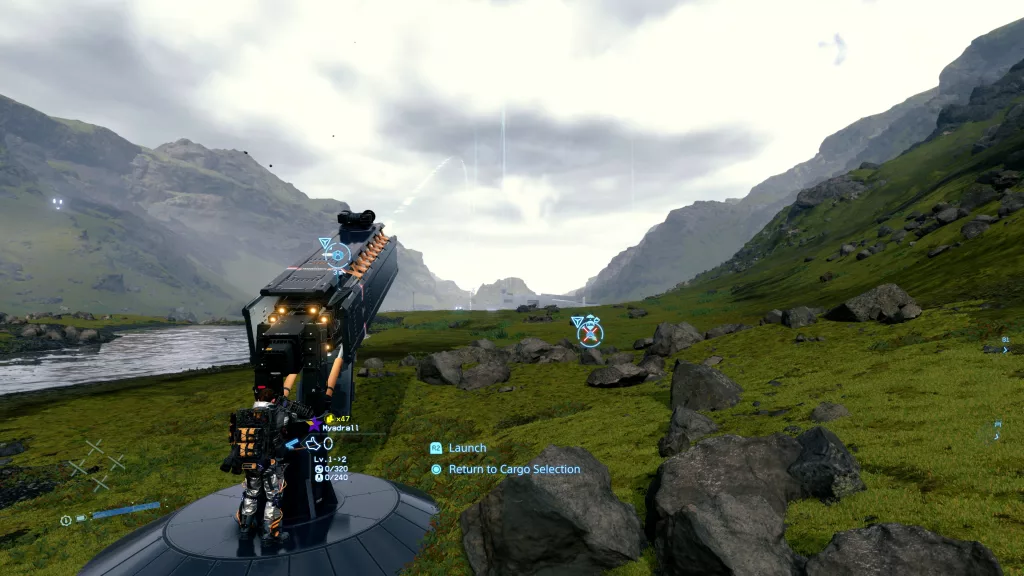
Let’s start with 20 FPS.
Playable? Technically, yes. Enjoyable? Nope. Not for modern games that the developer intended for 60 FPS, at least.
At 20 FPS, most games feel rough. Camera movement looks jerky. Input feels late. Fast action becomes a mess. In shooters, it is miserable. In racing games, it is comedy. In anything competitive, you are basically volunteering to lose with dignity. Or without it.
That said, 20 FPS has not fully disappeared. Some people still tolerate it in slow-paced simulation games, city builders, turn-based stuff, or heavily modded sandbox games that are held together by hope and bad decisions. If the game is calm and does not demand quick reactions, a few players will accept the pain. “Accept” is doing a lot of work there.
Now for 30 FPS.
This is where the argument gets more serious, because 30 FPS is still everywhere. Especially on consoles. And the reason is simple: developers keep making games that push visuals hard. Big worlds. Fancy lighting. Detailed character models. Dense effects. All of that eats performance. So when the hardware cannot do it all at once, something has to give. Very often, that something is frame rate.
If a game is optimized for 30 FPS, there is no reason to call it bad if it’s running at that framerate.
That is why so many console games still offer a choice between “quality mode” and “performance mode.” It is the classic trade-off. Better image quality, or smoother motion. Some players pick pretty. Some pick smooth. Some switch back and forth and never feel peace again.
So, is 30 FPS acceptable? Yes. Barely.
It is the floor, not the dream. A stable 30 FPS is much better than a messy frame rate that jumps all over the place. If your budget PC can hold 30 without constant drops, many single-player games are still fine.
Not amazing. Fine.
Story games, slower action games, and plenty of console-style experiences can still be enjoyable at 30, especially if you sit back and play with a controller.
But in 2026, 30 FPS feels old fast. Once you have played at 60 FPS or higher, dropping back to 30 is hard. Movement feels less clean. Aim feels less direct. The whole game feels less alive. It is not unplayable, but it sure is harder to love now.
So no, 30 FPS is not always a dealbreaker on a budget PC. Sometimes it is simply the deal you make. You lower expectations, tweak settings, and keep moving. We have all done it. That is PC gaming. One day you are chasing ultra settings. The next day you are turning off shadows.
Still, if you can push past 30, you should. Even getting to a locked 45 or 60 can make a game feel massively better.
Why 60 FPS is the Gold Standard … Even Now
There is a reason 60 FPS refuses to retire.
It is not the flashiest number anymore. We have all seen 144, 240, 360, and other frame rates. But 60 FPS is still the number that makes the most sense for most people.
It feels smooth. It feels responsive. And, maybe most important, it does not usually demand that you sell a kidney to your GPU manufacturer.
That is why 60 FPS became the sweet spot.
At 30 FPS, games can work. At 60 FPS, they start to feel right. Motion looks cleaner. Camera movement is easier on the eyes. Inputs feel quicker. Combat has more rhythm to it. Even simple movement gets that nice “glide” instead of the chunky stop-motion feel lower frame rates can bring.
And that still holds up today.
For most players, 60 FPS is the perfect balance between visual quality and playability. You don’t need a monster PC to aim for it in every game, at least not if you are willing to tweak a few settings and stop worshipping the word “Ultra.” That preset has ruined many good systems. Medium settings, by the way, are often where smart people live.
Now, should you lock your game to 60 FPS?
Sometimes, yes. Sometimes, absolutely not. Very helpful answer, I know.
Locking to 60 FPS can be a smart move if your system cannot hold higher frame rates consistently. A stable 60 usually feels better than bouncing between 72, 91, 58, and 67 every five seconds. Frame time consistency matters a lot. Wild swings make a game feel uneven, even if the average FPS number looks decent on paper.
A lock can also help with screen tearing if you are not using VRR, like G-Sync or FreeSync. Tearing is that ugly moment when the screen looks split because your GPU and monitor are not in sync. It is distracting. It looks like your game got folded in half. V-Sync can fix that too, but it may add input lag, which is not great in fast games.
That is where we consider the “to lock or not to lock” debate.
If you are playing story-driven games, action RPGs, or anything slower paced, a 60 FPS cap is often a clean, sensible choice. Stable. Cool on temperatures. Less noise. Less drama. Your GPU gets to breathe. Your ears do too.
But if you are playing competitive shooters, fighting games, or anything where reaction time matters, capping at 60 can feel like putting a leash on your system. If your PC can push more frames and your monitor can show them, higher FPS can reduce input delay and make the game feel more immediate.
Well, you still have to aim.
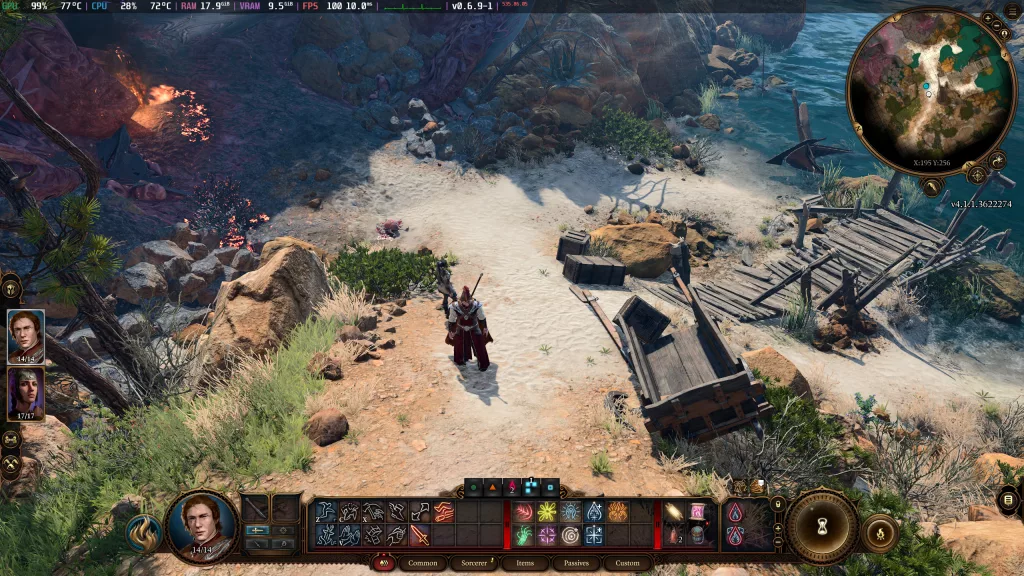
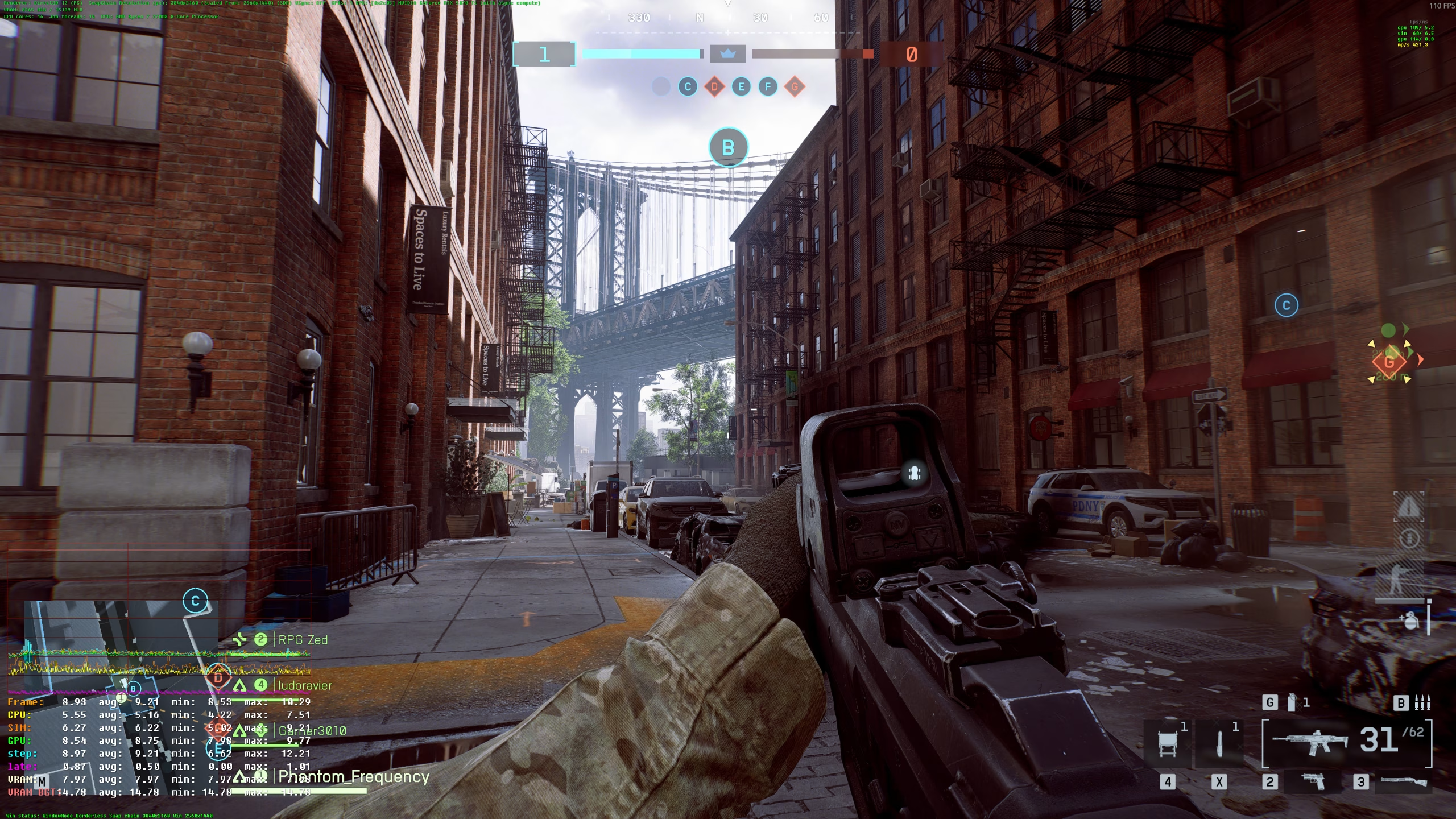
That being said, a more realistic FPS aim today is 100+. 100+ FPS can be 110, 120, 140, or capped a 144 due to your monitor. This is what most modern, AAA games are meant to be played at.
The Fortnite Test
Fortnite is still one of the easiest ways to expose weak hardware.
Not because it is badly optimized. Quite the opposite. It runs on a lot of systems. But the second you care about playing well, not just existing on the map, performance starts to matter a lot. Building, editing, aiming, turning fast, reacting in close fights—all of that feels better with more frames.
So how much FPS do you actually need in Fortnite?
If you want to be competitive, 60 FPS should be the minimum target. That is the baseline where the game starts to feel smooth enough to fight back properly. Below that, everything gets harder.
Tracking feels worse. Edits feel slower. Quick fights get sloppy. You can still win, of course. People win with terrible setups all the time. Chaos is part of Fortnite’s charm. But if your game feels like it is chewing gravel every time a build fight starts, that is a real disadvantage.
And really, if you want to avoid getting completely bodied, 60+ FPS is the goal.
Once you move into higher frame rates like 120 or 144 FPS, the game feels even sharper. More fluid. More responsive. Especially if you have a monitor that can keep up. But 60 is still the point where most players can say, “Okay, now I am fighting the enemy, not my hardware.”
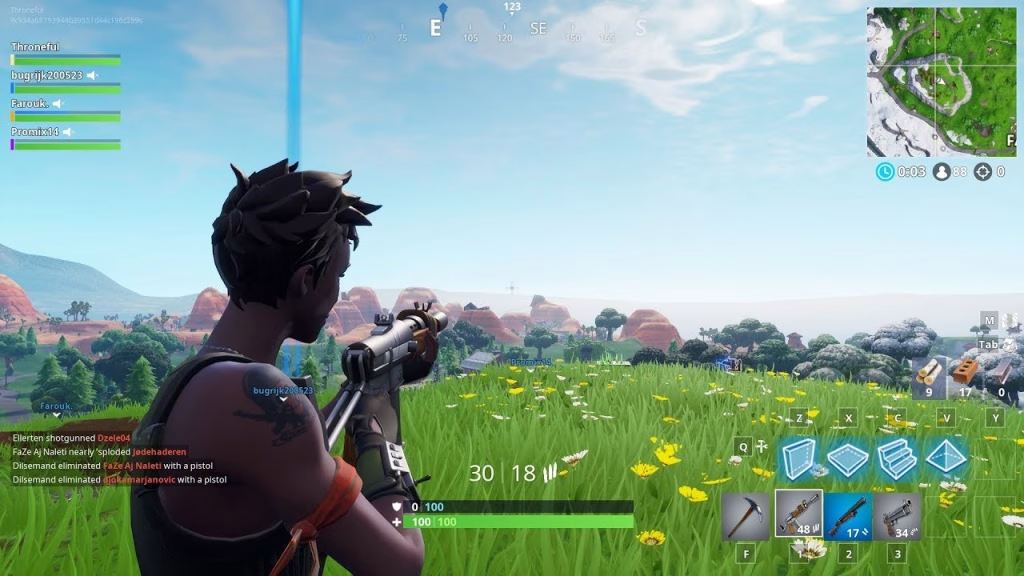
What does “smooth” look like in 2026 on PC?
It means more than a number on the FPS counter.
You want stable performance in actual matches, not just in the lobby where everything is calm and your PC is lying to you. Smooth means your frame rate stays steady during fights, when the effects pile up, when somebody builds a five-star hotel on your head, and when the storm closes in with half the lobby still alive.
If your PC can hold around 60 FPS or more during those moments, that is smooth enough for most people. If it dips constantly in combat, then no, it is not really smooth, even if the average FPS looks fine. Average numbers love to hide crimes.
The good news is Fortnite still gives players a lot of room to tune performance. Lower settings, performance-focused modes, and smart tweaks can help older or mid-range PCs stay in the game. You do not need the prettiest grass if you are too busy getting shot to admire it.
And then there is the PS4.
The old workhorse. The warrior. The console equivalent of a car that still starts every morning, even though it absolutely should be retired by now.
Fortnite on PS4 is still playable, but yes, it is showing its age. You are generally looking at around 60 FPS as the target in the best case, but it does not always hold there cleanly when things get hectic. Busy fights, heavy effects, crowded endgames—that is where old hardware starts to act up.
And that is the real issue with legacy gear in 2026. It is not just about whether the game launches. It is about whether it stays smooth when the action gets messy. On older consoles, you can still have fun. You can still play with friends. You can still blame lag when you miss. A timeless tradition. But if you are trying to play seriously, the cracks show fast.
Fortnite remains a great test. If your system can run it smoothly in the ugly moments, not just the easy ones, you are in decent shape. If not, then it may be time for a few setting changes. Or a hardware upgrade. Or a peaceful acceptance that your machine has done enough for this family.
8K Dreams and High-Speed Realities
Let us be honest. Very few people are gaming in 8K in 2026.
Some are, sure. Usually the same people who own a GPU that costs more than a decent couch. But for most players, 8K is still a bragging-rights resolution.
It looks stunning, no question. The problem is that it asks a lot from your hardware, and I mean a lot. You are pushing so many pixels that even powerful systems can start to wheeze if you also want high settings and a high frame rate.
So what FPS do you need at 8K before the image stops feeling bad?
At the absolute minimum, you want a stable 60 FPS. Anything under that starts to feel rough fast, especially in games with lots of camera movement or fast action. At 40 or 50 FPS, 8K can still look sharp, but the motion loses that clean feel people expect after spending that much money.
For slower single-player games, some people will tolerate less than 60 FPS at 8K if the frame pacing is steady. A locked lower frame rate feels much better than one that jumps around. Still, if you are talking about the point where 8K gaming actually feels smooth, 60 FPS is the real floor.
If you want 8K to feel great, not just acceptable, then 100 FPS or more is where things start looking properly fluid. The issue is simple: almost nobody is hitting that in modern big-budget games without heavy upscaling, major compromises, or settings tweaks that quietly turn “ultra” into “fine, medium.” There is no shame in that. 8K is expensive enough already. Pride should not be part of the electricity bill too.
What is the Best FPS for Gaming
Now for the bigger question. What is the best FPS rate for video games across the board?
For most people, it is still 60 FPS.
That is the sweet spot because it gives you a smooth image, good control response, and a realistic target for a wide range of hardware. It works well in action games, RPGs, racing games, sports games, and basically anything that is not trying to ruin your blood pressure in ranked mode. If a game runs at a locked 60 FPS, most players will be happy. Maybe not thrilled. But happy. And that still counts.
Then you have 144 FPS.
This is where games start to feel seriously sharp. If you play shooters, battle royales, fighting games, or anything fast and competitive, 144 FPS is fantastic. Motion is cleaner. Tracking is easier. Input feels more direct. Once you get used to it, dropping back to 60 can be quite upsetting.
That said, 144 FPS is not necessary for every game. In slower story-driven titles, it is nice, but it is more luxury than need. You can enjoy a beautiful open-world game at 60 just fine. Nobody needs 144 FPS to slowly pick herbs in a fantasy forest. Unless the herbs are shooting back, of course.
Then we get to 240 FPS and beyond.
This is the territory of esports players, competitive maniacs, and people who absolutely notice tiny input differences (not all of us have a knack for noticing this). In games like Counter-Strike, Valorant, Overwatch, or Fortnite, 240+ FPS can be worth chasing if you already have the monitor and the system for it. It makes everything feel extremely immediate. Very smooth and very fast.
For everybody else, though, 240 FPS is overkill. Not fake overkill. Real overkill. The kind where the gains are there, but smaller and smaller compared to the jump from 30 to 60 or 60 to 144. You pay more, stress your hardware more, and often get benefits that casual players will barely notice.
- 60 FPS is the best target for most gamers. If possible, aim for “100+” in general.
- 144 FPS is the better target for competitive players who want smoother motion and faster response.
- 240+ FPS is for serious high-refresh setups and people chasing every last advantage.
- And for 8K gaming, 60 FPS is the minimum point where things stop feeling choppy and start feeling worth the trouble.
- 1080p & 2K AAA gaming can be done comfortably anywhere between 60 to 150 FPS.
The best FPS is not the highest number your PC can scream onto the screen. It is the highest stable number that actually matches the kind of games you play. Smooth beats flashy. Stable beats random spikes. And a locked 60 still beats a “maybe 120, maybe disaster” experience every single time.